AI Agent Skill available
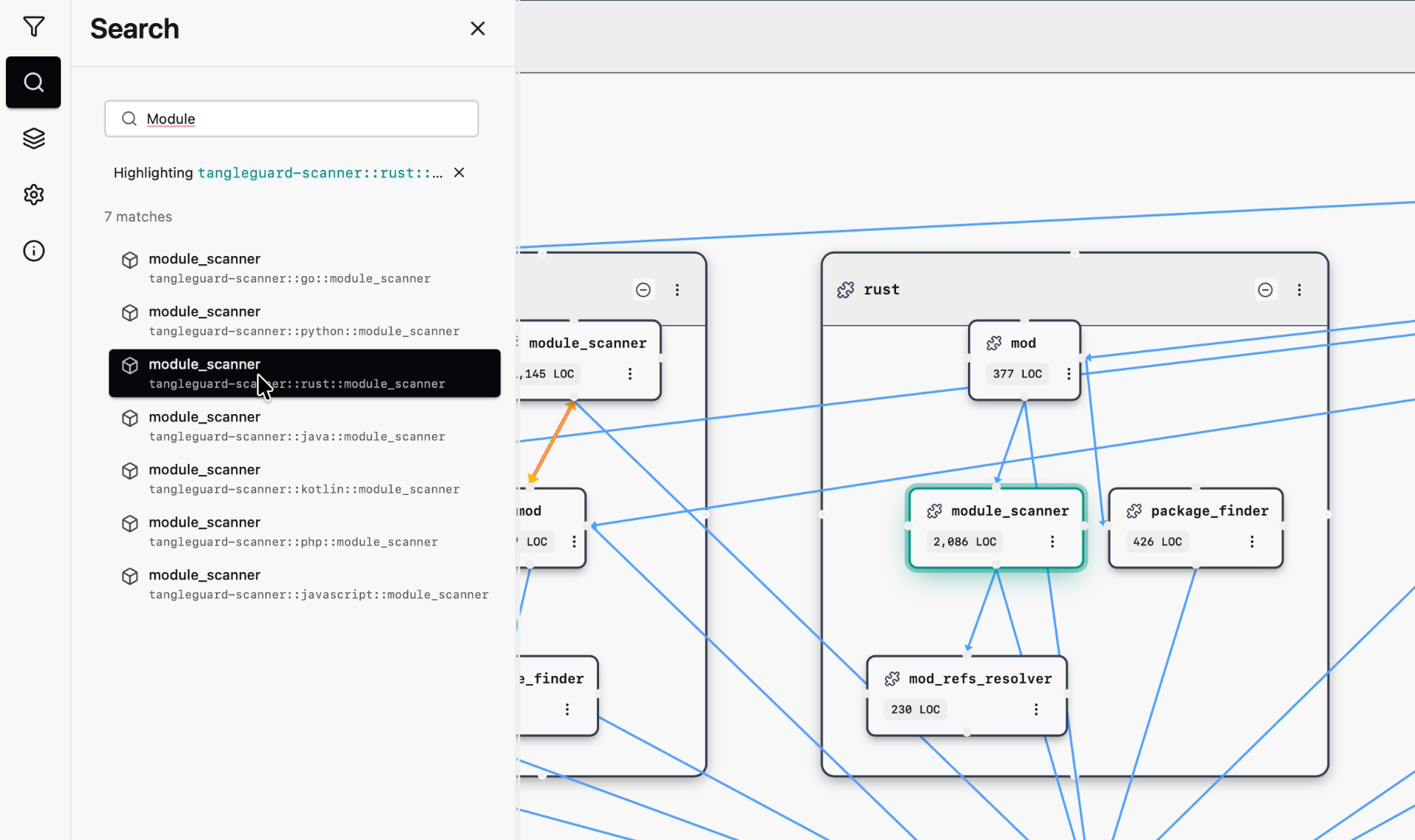
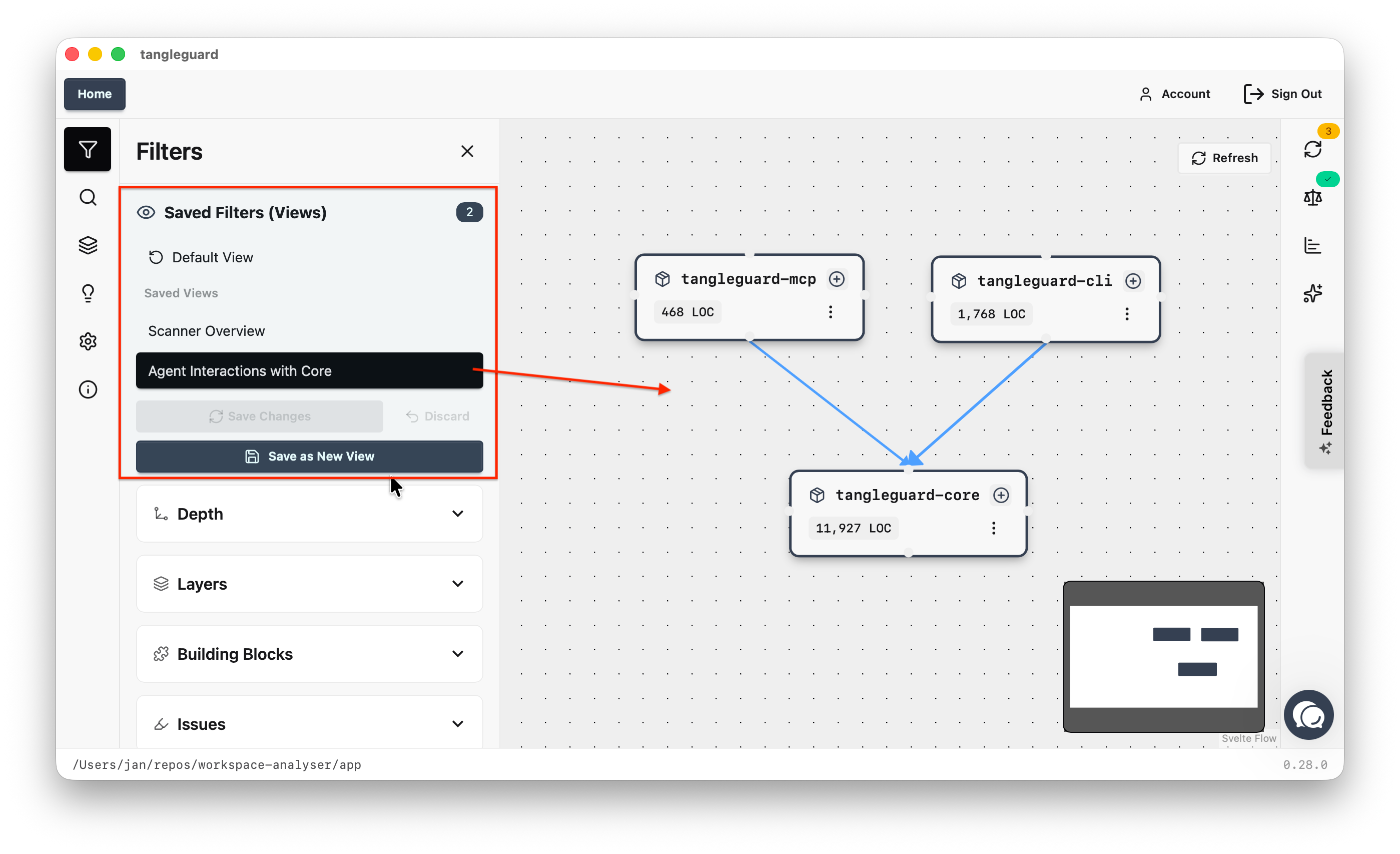
With the CLI version of TangleGuard, agents get the complete picture of your codebase within milliseconds - using TangleGuard’s fast and deterministic code scanners. With the new skill, agents are now able to use TangleGuard CLI whenever structural decisions need to be made.
Using this skill, the quality of the conversion with LLMs rise significantly. You’ll notice that the LLM get more knowledge. You find the skill here: https://github.com/TangleGuard/Agent-Skill/blob/main/SKILL.md. You need to have the TangleGuard CLI installed, best via Homebrew: https://tangleguard.com/apps/cli
The skill is written, so the agents uses TangleGuard whenever it adds a new dependencies or wants to understand the big picture of the codebase. It also checks for circles and dependency rule violations. The skill is a living document and will be improved over time. If you have suggestion to make it even better, let me know!
Your agents should not ever scan the whole codebase. It’s a waste of tokens and very time consuming. More information here: https://tangleguard.com/apps/claude-code-skill